
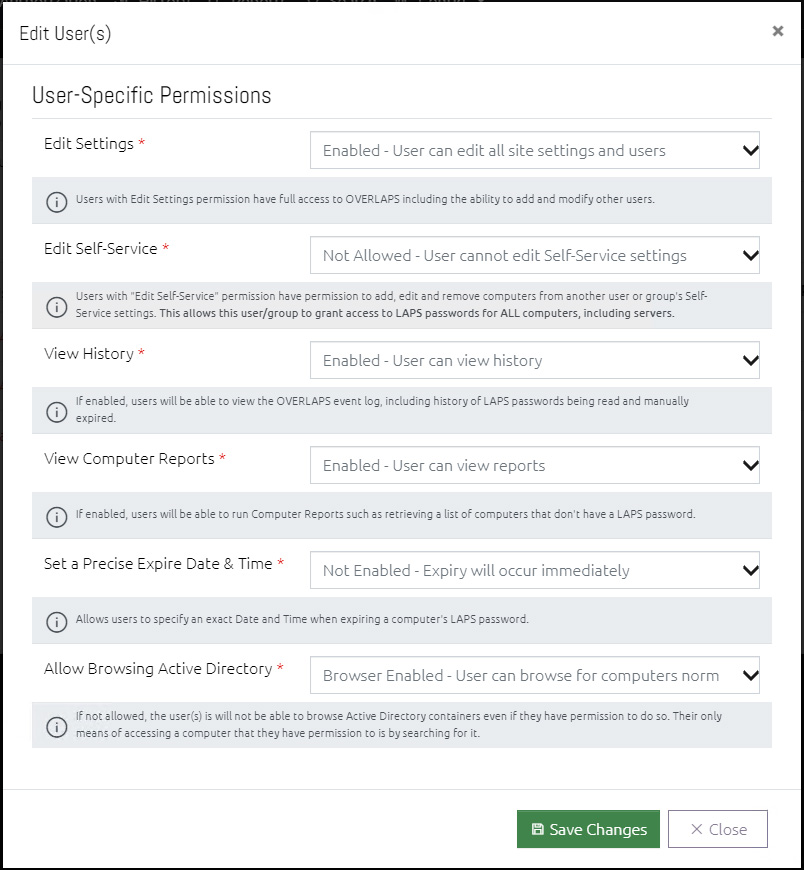
This window allows you to change the overall access that the user(s) have to the OVERLAPS website.
For more information on each setting, see Add a New User or Group.
User Interface Differences when Editing Multiple Users
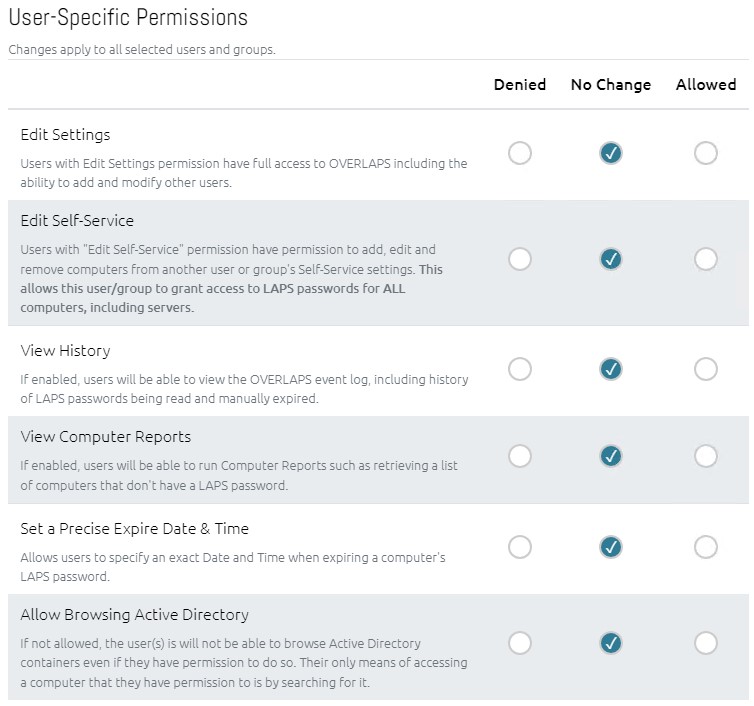
When editing multiple users, setting an option to No Change (default) means that no changes will be made to each users’ current access level for that setting. Setting it to Denied disables the selected access for all selected users, and Allowed will grant the selected access for all selected users.