
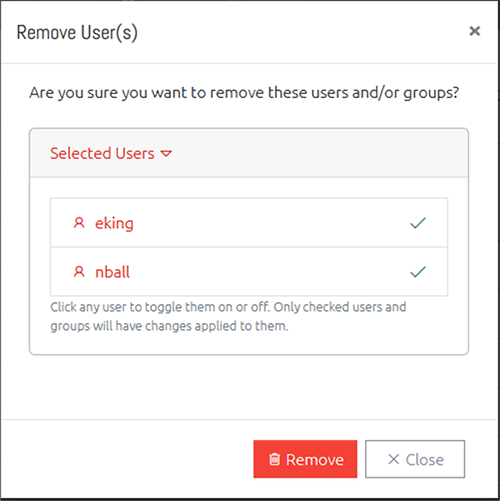
Selecting one or more users and clicking the Remove button will prompt you to confirm that you want to remove the user completely from OVERLAPS. This process is not reversible, and to re-add the user or group you would have to completely set up their settings and permissions again.