
Users with the Read Computer Info permission can open a window with more detailed information about any of the computers in the list by clicking the i icon next to it.
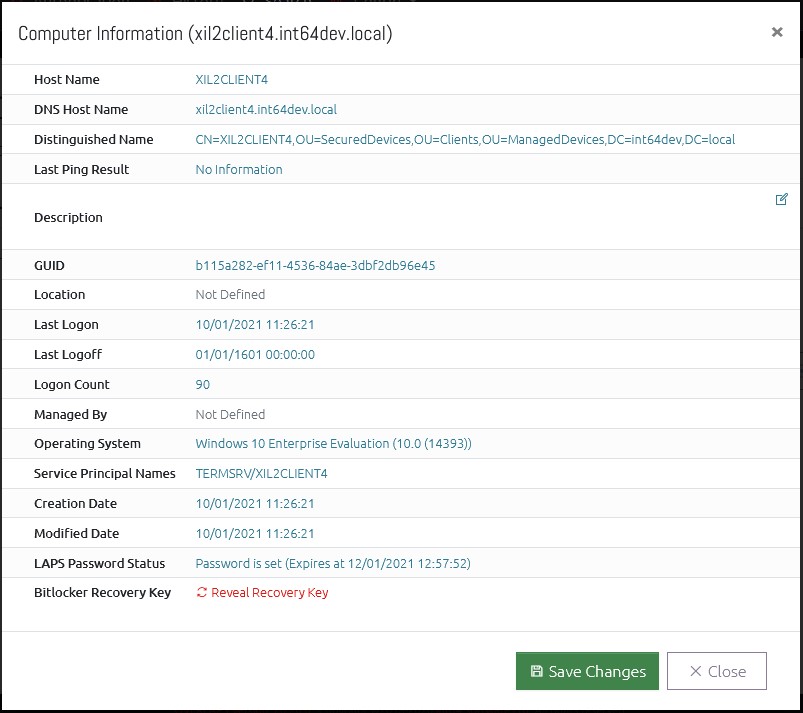
If the user has the Write Computer Information permission, they can also click the Description field to change it. This information is written to the Active Directory description field if OVERLAPS has permission to do so.
Bitlocker Recovery Keys
If the option is enabled (see Configuration -> Settings -> Active Directory), users with Read Computer Information permission can also retrieve the Bitlocker Recovery Key of a computer by clicking the “Reveal Recovery Key” link.
In order to read the Bitlocker Recovery Key from Active Directory, OVERLAPS must be given the delegate rights to do so. For more information, see Bitlocker Recovery Key Permissions.