
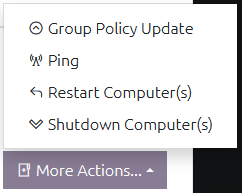
You can get OVERLAPS to perform additional tasks on the selected computers from the “More Actions” button. Currently this is limited to performing an ICMP Ping, a Group Policy Update, and Restarting or Shutting Down the computer or computers.
Note that all tools except for Ping require Windows Management Instrumentation (WMI) access to the client computers (see Computer Management Tool Permissions).
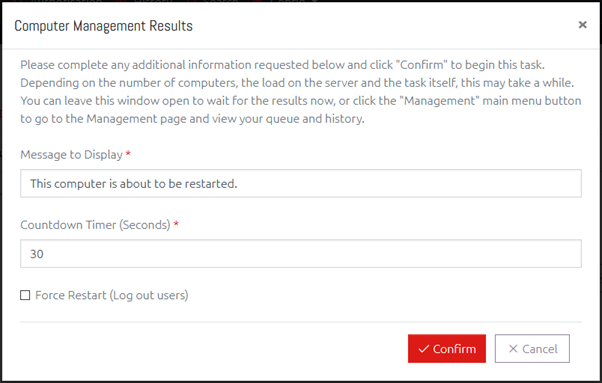
Clicking one of the Computer Management Tools when one or more computers are selected will open a window which may prompt the user for additional parameters and/or confirmation if needed, and will initiate the task and allow the user to monitor its progress. After the task is initiated, its progress and results can also be viewed in the Management page.
All Computer Management work is controlled by a queue and handled by a background thread.
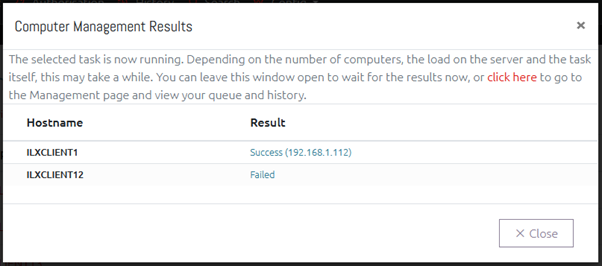
The results can also be seen in the Management page.